In the ORDERING module, click the DEALER MANAGEMENT button.
Click START SEARCH to display all existing dealers.
To edit an existing dealer, double-click it.
To add a new dealer, click the ADD RECORD button.
In both cases the DEALER window opens.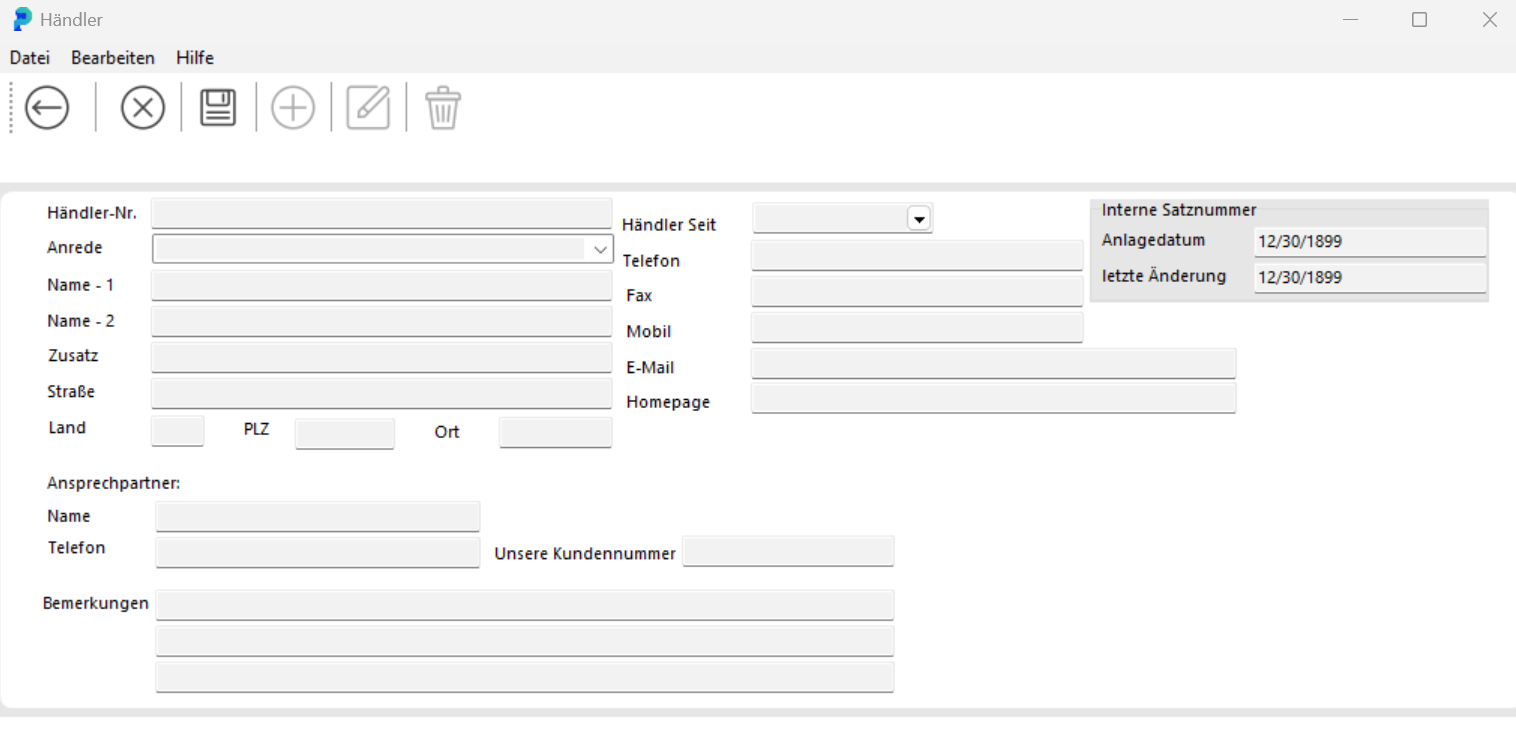
To edit an existing dealer, click the EDIT DEALER button. You can then update all fields.
In both cases, close the DEALER window by clicking SAVE and then BACK.