In the ADMINISTRATION / PERSONNEL module, click the ADD RECORD button in the toolbar.

The PERSONNEL window opens.
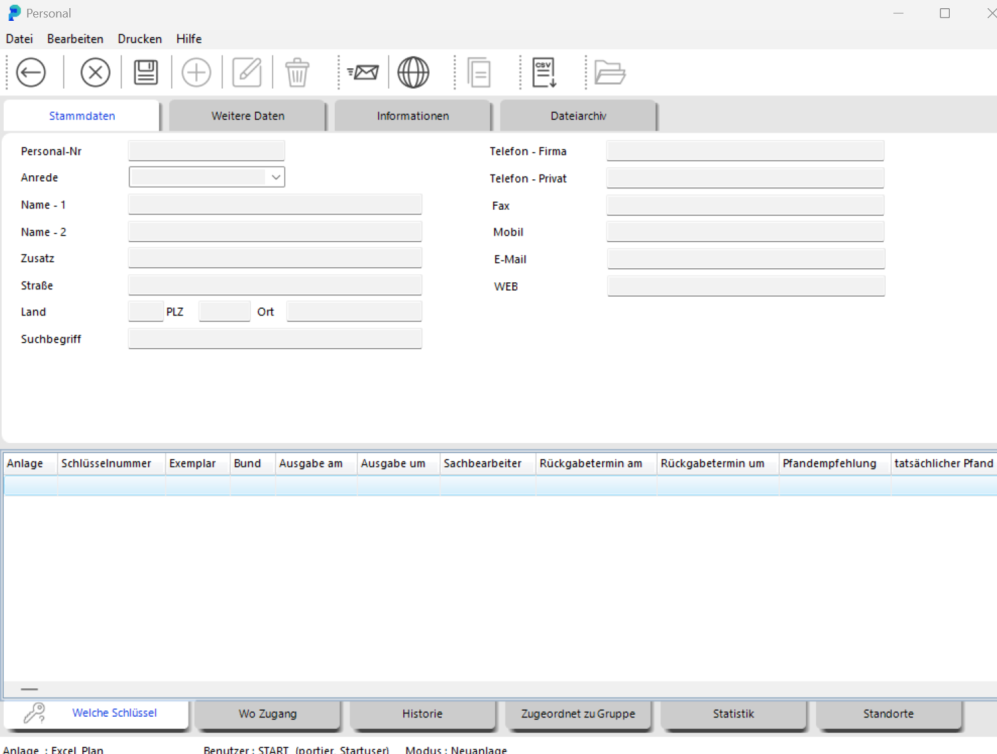
Enter the key holder's last name in the NAME – 1 field. NAME – 2 is for the first name. We strongly recommend sticking with the field assignment you choose from the outset.
Once you have chosen a field layout, stick with it consistently.
Save the record by clicking the SAVE button.

You can complete the key holder's details at any time afterwards. The PERSONNEL window closes automatically after saving. The new person is now available as a key holder.
TIP
 During key issuance you have another opportunity to add a new key holder on the fly.