To do this, click in the moduleSystem on the buttonSettings.
In the tabsBasic Settings orUser Settings activate the Reminder function.
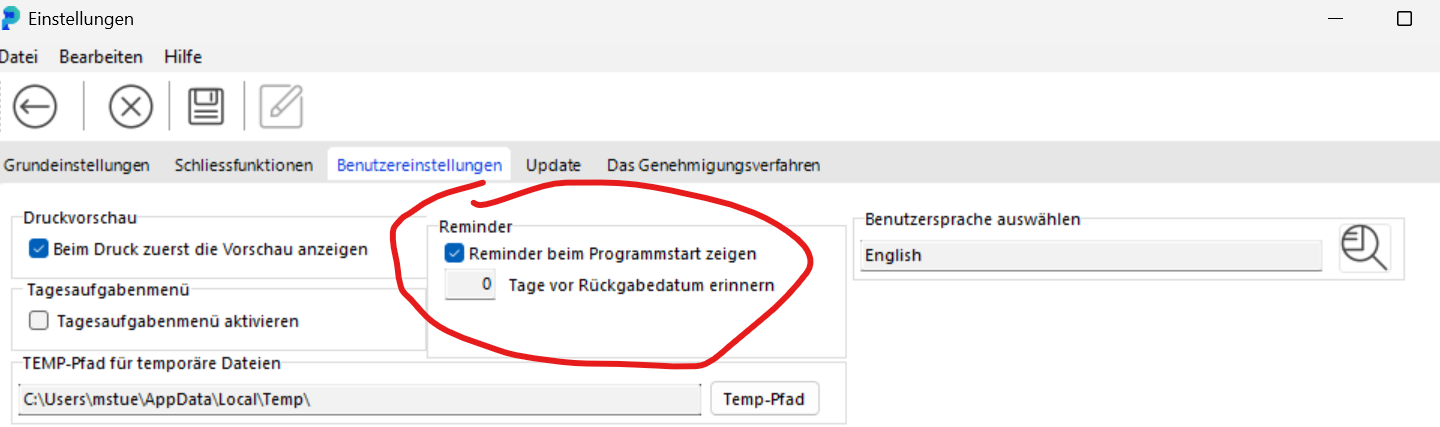
Decide how many days in advance portier® should remind you of upcoming returns. portier® checks entered and planned return dates and notifies you accordingly.
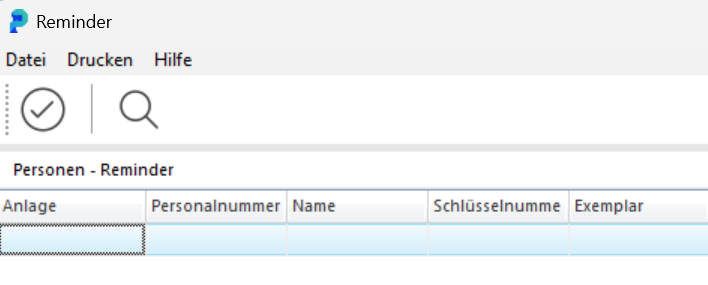
 From the next program start, portier®VISION will remind you that keys are due for return. At any time during the program, you can useF10 or the bell icon to open the Reminder and see which keys are due for return.