A key transfer lets you move one or more keys from one person to another with a correct booking history and receipt generation.
How to proceed:
Start a key return with the person currently holding the keys.
Select all keys to transfer, or only the ones you want to reassign. In the return window you will see a Transfer button.
 Click it.
In the search screen that appears, find the new key holder. Once selected, portier® shows a confirmation screen.
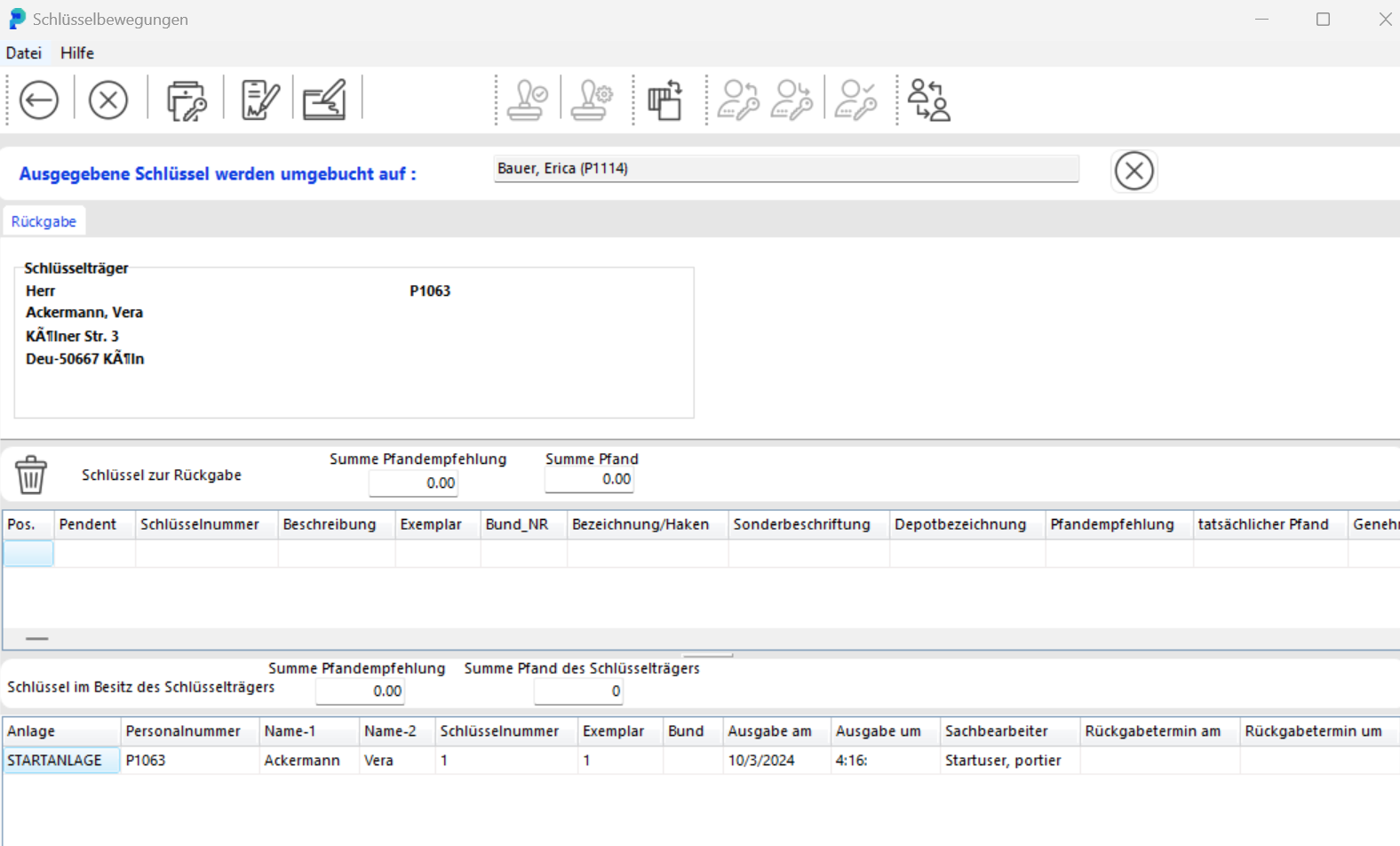
You can still cancel the action using the white X on a red background on the right.
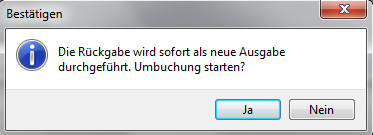
Click the save icon — as you would for key issuance — to complete the transfer. Confirm if prompted.
The receipt shows the transfer as a return from Person A to Person B.
Both persons receive the transaction on their record for the key.
In the database this transfer is recorded as a correct return from Person A
and as a new issuance to Person B.