Click the KEY LOSS button in the toolbar or press F7.
The KEY MOVEMENTS – LOSS window opens.
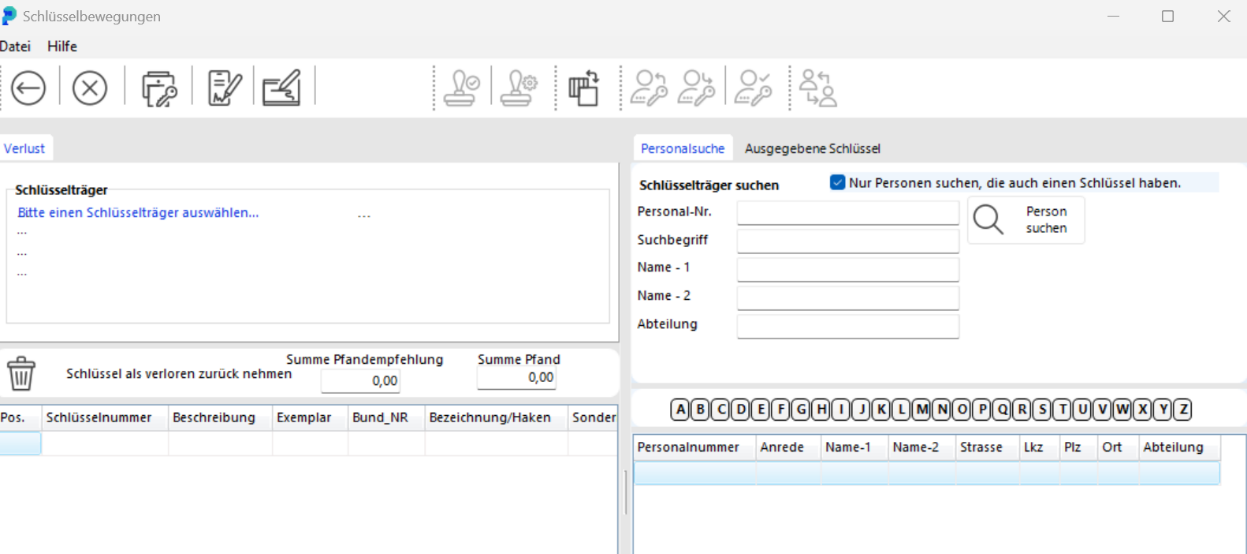
Enter the first letters of the key holder's last name in the NAME – 1 field and click SEARCH. Alternatively, search by key number using the ISSUED KEYS tab.
In the lower section of the window, double-click the key holder whose key was lost. Their details are filled in automatically.

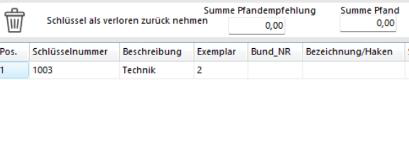
Double-click the lost key. It moves to the KEYS BEING RETURNED AS LOST list.
If the key holder has multiple keys and you accidentally selected the wrong one, you can remove it from the list by double-clicking it again.
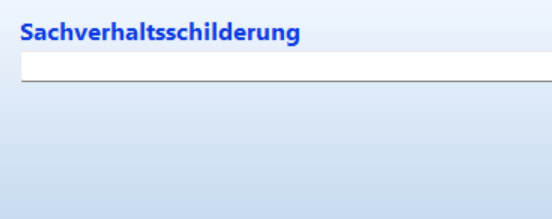
In the DESCRIPTION field you can record the key holder's account of the loss.

Post the loss report by clicking the BOOK button.
Click the KEY MOVEMENTS button in the toolbar or press F8. The key movements window opens.
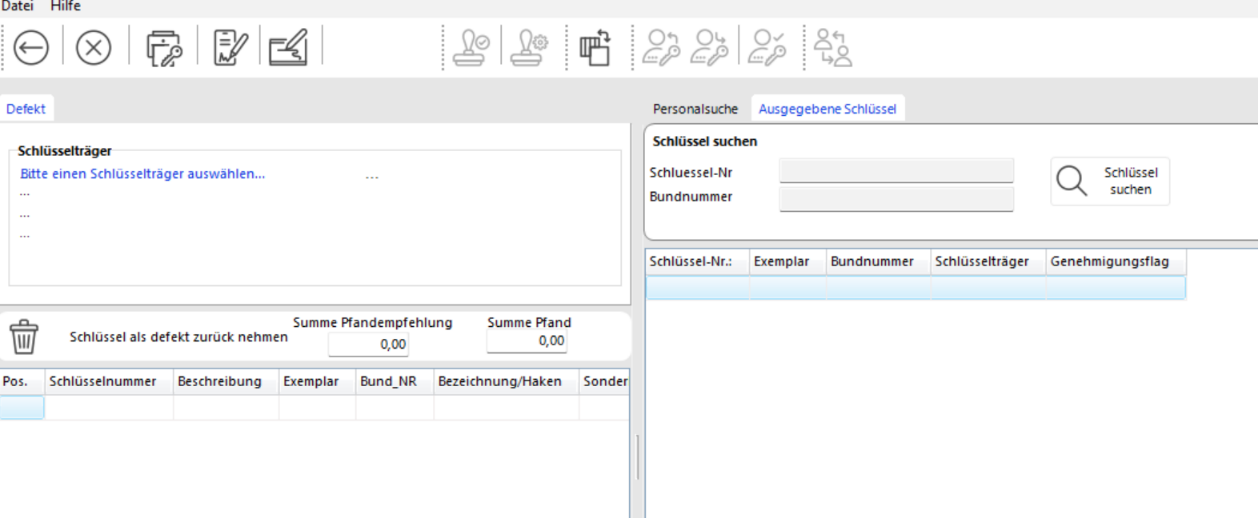
Follow the same steps as for a key loss. The key will be recorded with the status DAMAGED instead of lost.